Cross-Reference Options
Overview
There are a wide variety of options available for customizing caption labels and references. These options are all specified within the crossref key of document metadata.
On this page we highlight some of the most useful, but you can find all available crossref options on the Cross-Reference Options reference page.
Note that since LaTeX does its own formatting and layout of figures and tables, not all of these options will apply when rendering to PDF. Specifically, delimiter options like title-delim and numbering options like labels don’t work for PDF output. Additionally, formatting directives are not applied (e.g. italicizing the figure title) for LaTeX titles.
Titles
You can specify the title prefix used for captions using *-title options. You can also specify the delimiter used between the prefix and the caption using the title-delim option. For example:
---
title: "My Document"
crossref:
  fig-title: Fig     # (default is "Figure")
  tbl-title: Tbl     # (default is "Table")
  title-delim: "—"   # (default is ":")
---
References
You can specify the prefix used for inline reference type using *-prefix options. You can also specify whether references should be hyper-linked using the ref-hyperlink option. For example:
---
title: "My Document"
crossref:
  fig-prefix: figure   # (default is "Figure")
  tbl-prefix: table    # (default is "Table")
  ref-hyperlink: false # (default is true)
---
Localisation
The crossref: keys above override caption titles and reference prefixes for the current document and are language-independent. For locale-aware overrides, set the corresponding crossref-{type}-title and crossref-{type}-prefix keys under language: instead. These keys plug into Quarto’s localisation system, can be scoped per target language, and can live in a project-level _language.yml file.
For example, the Spanish equivalent of the snippets above is:
---
title: "Mi Documento"
lang: es
language:
  crossref-fig-title: "Figura"
  crossref-tbl-title: "Tabla"
  crossref-fig-prefix: "fig."
  crossref-tbl-prefix: "tbl."
---
The same language: mechanism applies to callouts and to custom cross-reference kinds. See Cross-Reference Titles and Prefixes for the full set of supported keys and the per-language subkeys pattern.
Numbering
There are a variety of numbering schemes available for cross-references, including:
arabic(1, 2, 3)roman(I, II, III, IV)roman i(i, ii, iii, iv)alpha x(start from letter ‘x’)alpha X(start from letter ‘X’)
You can specify the numbering scheme used for all types (other than sub-references) using the labels option. For sub-references (e.g. subfigures), you can specify the number scheme using the subref-labels option. For example:
---
title: "My Document"
crossref:
  labels: alpha a        # (default is arabic)
  subref-labels: roman i # (default is alpha a)
---
If you would like, you can specify the number scheme for a specific type using the *-labels options. For example:
---
title: "My Document"
crossref:
  fig-labels: alpha a    # (default is arabic)
  tbl-labels: alpha a    # (default is arabic)
  subref-labels: roman i # (default is alpha a)
---
If both labels and a type specific label option is provided, the type specific option will override the labels option.
Chapter Numbering
You can use the crossref: chapters option to indicate that top-level headings (H1) in your document correspond to chapters, and that cross-references should be sub-numbered by chapter. For example:
---
title: "My Document"
author: "Jane Doe"
number-sections: true
crossref:
chapters: true
---
# Introduction
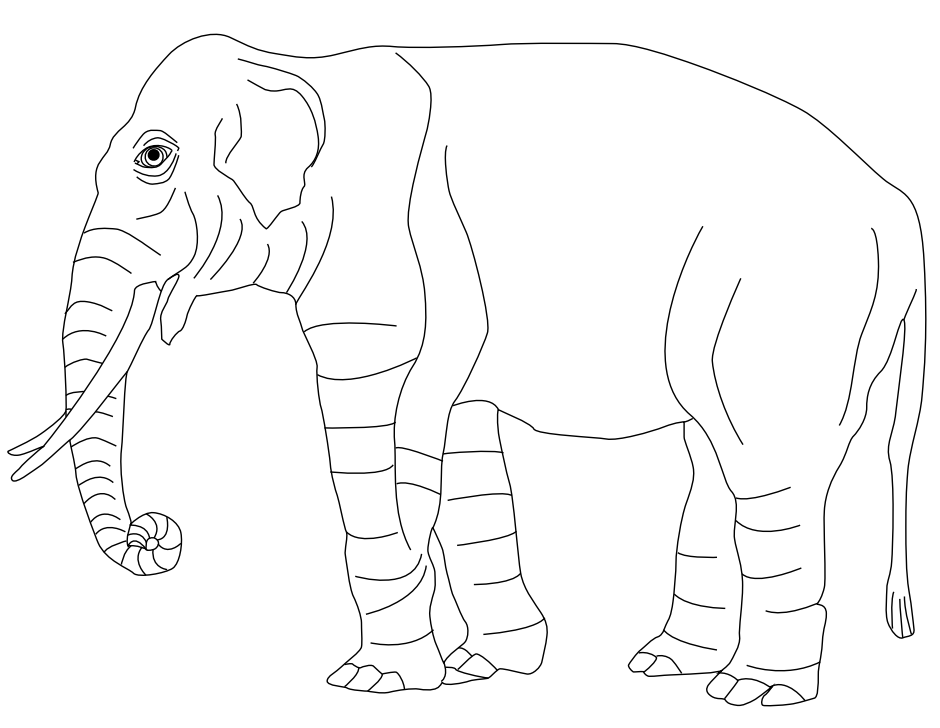{#fig-elephant}
See @fig-elephant for an illustration.